Proudly serving Phoenix, Glendale, Scottsdale, Tempe, Mesa, Chandler & surrounding areasCall or Text 24/7: 480-243-9123

Android Tablet Repair in Phoenix, AZ for Screen, Battery & Charging Port Issues

Phoenix Phone Repairs provides Android tablet repair for households and businesses in Phoenix and across the Salt River Valley. We service Samsung Galaxy Tab devices, Google Pixel Tablets, and general Android slates. Our work covers cracked screens and digitizers, battery replacement, charging-port repair, back-glass repair, and water-damage restoration. We also diagnose overheating, freezing, speaker, camera, power-button, and motherboard problems.

Phoenix heat that routinely tops 110 degrees can accelerate battery wear, while fine desert dust can pack into USB-C and micro-USB ports. Across the city's 517.9 square miles, commuters, students, households, and businesses depend on tablets that cannot stay out of service for long. Our technicians use anti-static mats and ESD-safe tools following ANSI/ESD S20.20 handling practices. We diagnose the device, explain the recommended repair and parts choice, and provide a firm quote before work begins.

Most common screen, battery, and charging-port repairs are usually completed the same day. Some charging problems need only a five-minute port cleaning, while motherboard and liquid-damage cases require a deeper diagnostic.

Phoenix Phone Repairs provides Android tablet repair throughout Phoenix, Tempe, Mesa, Scottsdale, Glendale, Chandler, and the greater Phoenix metropolitan area.

★ ★ ★ ★ ★4.9/5 Average Rating · 20+ Years of Experience · Thousands of Customers Helped · Licensed & Insured · Residential & Commercial

Android Tablet Repair Options & Benefits

What Is Android Tablet Repair?

Android tablet repair begins with identifying whether a failure comes from the display, digitizer, battery, charging circuit, software, or logic board. We work on Samsung Galaxy Tab models, Google Pixel Tablets, flagship gaming devices, and budget Android tablets.

Screen assemblies may combine the cover glass, touch digitizer, and LCD or OLED panel, so the right repair depends on which layer failed. Board-level work, connector replacement, and digitizer service are completed under strong lighting with anti-static mats and ESD-safe tools.

After diagnosis, we quote the complete job before opening the device. We explain whether a repair uses OEM or OEM-equivalent parts, match batteries and cables to the tablet's specifications, and include a parts warranty on the installed component.

Benefits of Professional Tablet Repair

A careful repair restores the specific failed component while protecting the display, board, antenna lines, cameras, speakers, and customer data around it. The service plan is matched to the device rather than forcing every tablet into the same parts or procedure.

  • Standard digitizer and battery jobs typically take 30 to 90 minutes, depending on the model.
  • Parts for less common screen assemblies can often be sourced within 24 to 48 hours.
  • Touch calibration is tested across the full screen before pickup.
  • Replacement batteries are matched to the original mAh and voltage specifications.
  • A firm repair quote is provided before work begins.
  • OEM and aftermarket component choices are disclosed upfront.
  • Recoverable boards are powered long enough to prioritize a photo and file backup when possible.
  • Every installed screen, battery, or port includes a parts warranty.
Tablet Repair Services

Android Tablet Repair Services

From shattered glass and failed touch input to dead batteries, damaged charging ports, liquid exposure, and board faults, each service starts with a device-specific diagnosis. The repair recommendation accounts for the model, failed layer or component, parts availability, and the tablet's replacement value.

Screen and Digitizer Repair

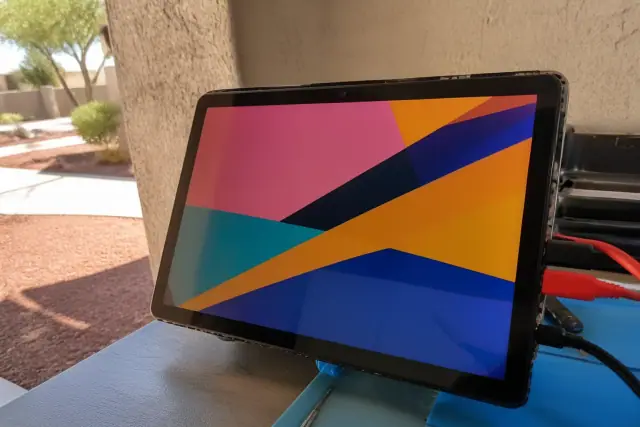
Tablet with a new touch screen display connected to diagnostic cables at a repair workstation in Phoenix, AZ.

We replace cracked cover glass, failed digitizers, and damaged LCD or OLED assemblies. Because these layers are often fused, we identify whether glass, touch input, or the display panel failed and test the full screen for calibration and ghosting after reassembly.

Request Estimate

Tablet Battery Replacement

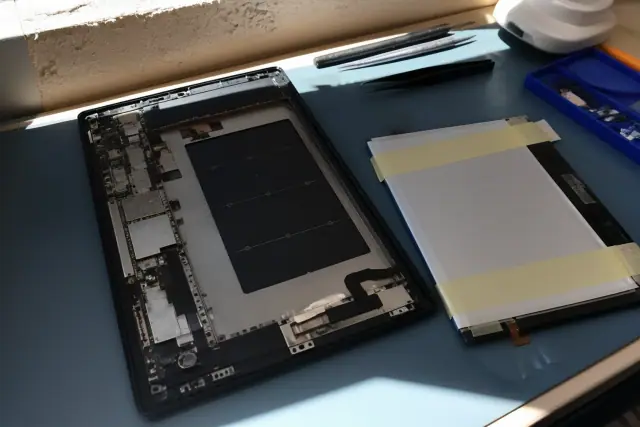
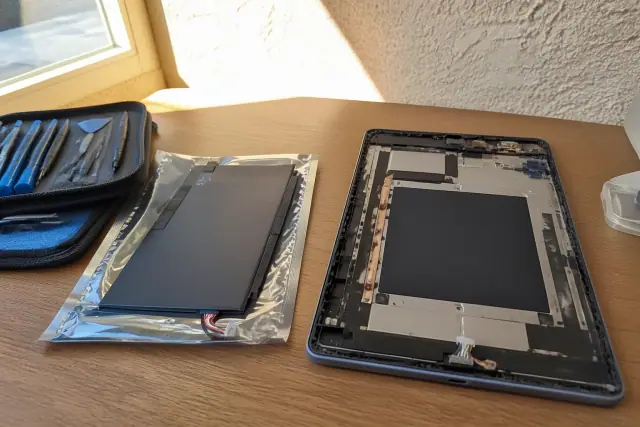
Android tablet chassis with an old battery removed and a new replacement battery being test fitted in Phoenix, AZ.

Battery service addresses rapid drain, unexpected shutdowns, idle heat, and a bulging rear panel. We match the new lithium-ion cell to the original capacity and voltage, replace required adhesive, and test charging and discharge behavior before completion.

Request Estimate

Charging Port Repair

Technician repairing a smartphone charging port at a workstation in Phoenix, AZ.

USB-C and micro-USB ports can collect desert dust and lint or wear until a cable works only at certain angles. We clean the port, repair or replace its matched flex cable, or desolder and replace a damaged board connector, then test both charging and data transfer.

Request Estimate

Water Damage Restoration

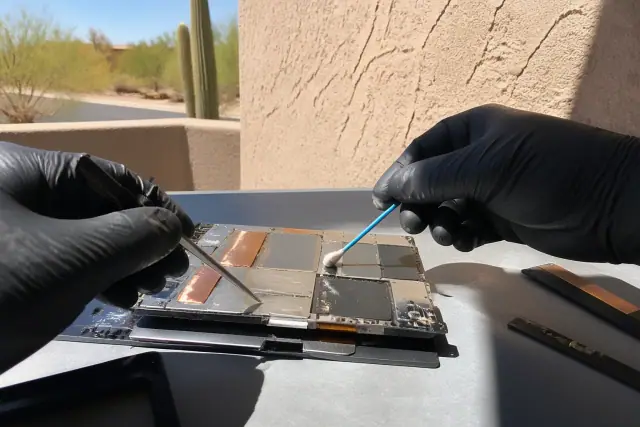
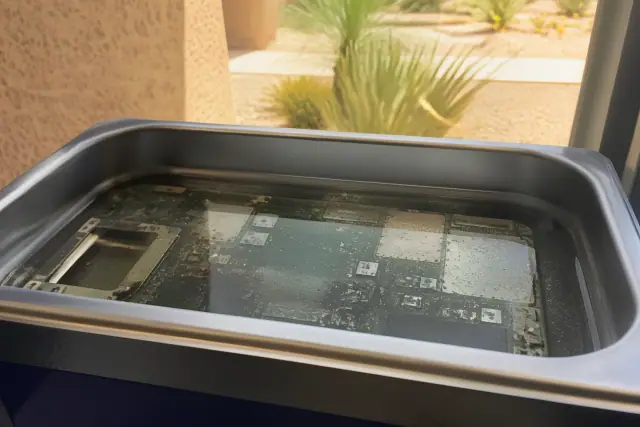
A tablet motherboard undergoing water damage restoration in a cleaning solution in Phoenix, AZ.

Liquid-damage service includes opening the tablet, checking the liquid indicator, inspecting the logic board under magnification, and removing corrosion or mineral deposits. Ultrasonic cleaning and controlled airflow drying help protect surface-mounted components while we assess whether the board and customer data remain recoverable.

Request Estimate

Samsung Galaxy Tab Repair

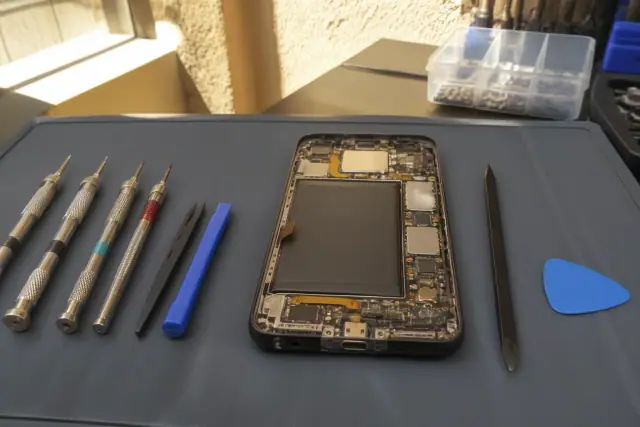
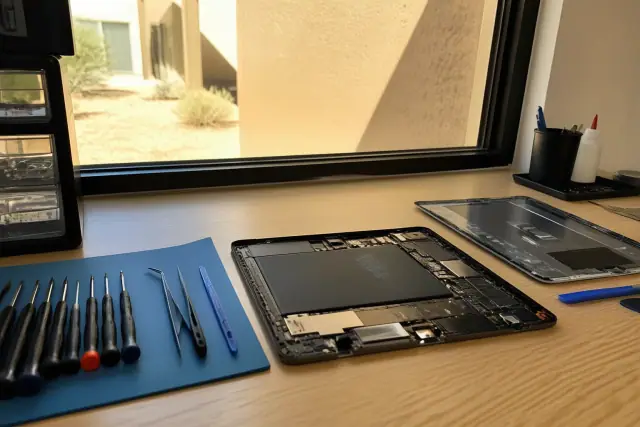
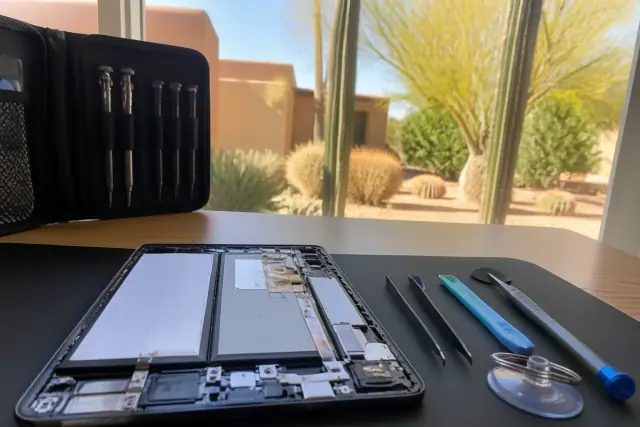
Opened Samsung tablet with internal parts and repair tools on a workstation in Phoenix, AZ.

Galaxy Tab repairs account for AMOLED and TFT panel differences, glued battery construction, and Samsung-specific board layouts. We also diagnose older-model power-button failures, distorted speakers, camera faults, and firmware-related behavior.

Request Estimate

Google Pixel Tablet Repair

An opened tablet with internal components and repair tools on a workstation in a Phoenix, AZ workshop.

Pixel Tablet service includes screen assemblies, speaker-cable routing, charging-dock connectivity, overheating, and recurring freezes. We prioritize Google-matched components where calibration and the device's water-resistance rating depend on part compatibility.

Request Estimate
Repair Options

Repair Options by Device & Issue

The correct repair depends on the damaged layer, power symptom, connector type, liquid exposure, device construction, and available replacement component. These repair groups show how we narrow the problem before recommending parts or board work.

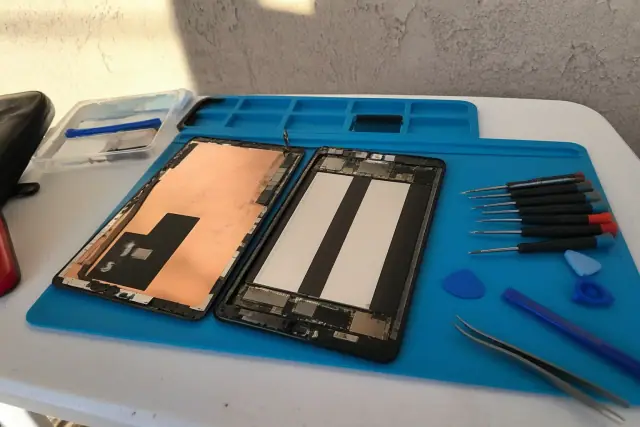
Tablet with internal components exposed and repair tools on a workstation in Phoenix, AZ.

Screen, Digitizer & Back Glass Repair

Display service separates cosmetic glass damage from failed touch input and panel faults. We also reseal cracked rear glass with controlled heat and adhesive work that avoids the antenna lines and camera module beneath the housing.

  • Cracked cover-glass assessment
  • LCD or OLED panel replacement
  • Digitizer and connector testing
  • Full-screen touch calibration
  • Rear-glass removal and housing reseal
Request Estimate
Replacement battery and open tablet chassis on a workbench in a Phoenix, AZ workshop.

Battery and Power Repair

A tablet left in a car on a 115-degree afternoon can experience accelerated lithium-ion cell breakdown, followed by heat, swelling, rapid drain, or unreliable power. Standard battery replacement is often completed in under an hour once the correct battery is in stock.

  • Unexpected shutdown above 20 percent reported charge
  • Failure to hold more than 40 to 50 percent capacity
  • Typical lithium-ion limit of 300 to 500 full cycles
  • Original mAh and voltage specification matching
  • Battery and charging-port check at no extra diagnostic charge during a battery visit
Request Estimate
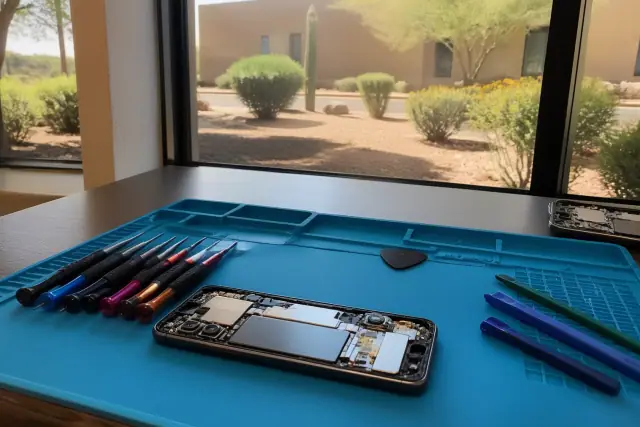
Opened smartphone with exposed internal components and repair tools on a workstation in Phoenix, AZ.

Charging and Connectivity Repair

Slow charging, angle-dependent charging, and an unrecognized cable can come from debris, worn contacts, a failed flex cable, or a damaged logic-board connector. We identify the cause before moving from cleaning to component replacement.

  • USB-C and micro-USB port cleaning
  • Connector and matching flex-cable repair
  • Board-level port desoldering and replacement
  • Charge-rate and data-transfer testing
  • Soft-bristle port cleaning every few months in dusty conditions
Request Estimate
A tablet logic board submerged in an ultrasonic cleaning tank for liquid damage repair in Phoenix, AZ.

Liquid Damage and Board Recovery

Water-damage and motherboard cases may require 24 to 72 hours for controlled drying, parts sourcing, and board evaluation. Fast disassembly and cleaning within the first hours after exposure gives the tablet a better recovery chance than leaving it powered on for days.

  • Internal liquid-indicator inspection
  • Magnified corrosion and oxidation check
  • Ultrasonic board and connector cleaning
  • Controlled-airflow drying
  • Photo and file backup when the board can be powered
Request Estimate
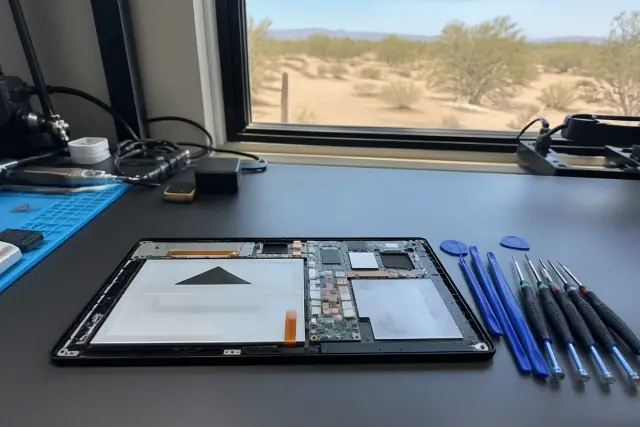
An opened smartphone with internal parts on a repair workbench in Phoenix, AZ, with a desert landscape in the background.

Samsung, Pixel & Budget Tablet Repair

Android tablet repair typically runs $100 to $250 depending on the issue and model. Screen and digitizer jobs tend toward the higher end, while battery, charging-port, and back-glass work usually falls toward the lower end.

  • AMOLED or TFT panel matching for Galaxy Tab models
  • Solvent-based adhesive removal for glued Samsung batteries
  • Power-button, speaker, and camera diagnostics
  • Pixel Tablet speaker-cable routing and dock testing
  • Flagship, gaming, and budget Android tablet evaluation
Request Estimate
Finding the Right Repair

Choosing the Right Tablet Repair Approach

Repair value depends on the failed component, tablet age, parts availability, and replacement price. When a screen or battery repair is $100 to $150 and a comparable replacement costs $300 or more, repair is often the better value; extensive motherboard damage can change that calculation. We diagnose first and quote the whole job so you can decide before any screw is removed.

Transparent Diagnosis and Quotes

A multi-point check covers battery health, charging-circuit function, and thermal performance under load. After identifying the failed part, we provide a firm price and call before doing work beyond the original estimate.

ESD-Safe Board Work

Technicians work under strong lighting on anti-static mats with ESD-safe tools that follow ANSI/ESD S20.20 handling practices. Board-level and soldering work follows IPC-A-610 acceptability standards for electronic assemblies.

Matched Parts and Warranty

We source OEM and OEM-equivalent displays, batteries matched to original specifications, and flex cables matched to each connector type. The parts choice is explained before service, and every repair includes a parts warranty for the component installed.

What Sets Us Apart

Why Choose Us for Android Tablet Repair?

Phoenix Phone Repairs combines model-specific diagnostics with controlled repair practices and straightforward choices. You learn what failed, which part is recommended, what the complete repair will cost, and how the device performs in post-repair testing before pickup.

Request Repair Quote

Cracked Screen and Digitizer Damage

Cracked glass can progress from a cosmetic problem to failed touch response when dust enters the break and reaches the display connector. Dark spots, bleeding colors, and lines suggest LCD or OLED damage, while an intact-looking screen with ghost touches often points to the digitizer or its connector.

Battery Drain and Swelling

Rapid drain, unexpected shutdown, idle warmth, and a bulging back panel are common signs of a degraded lithium-ion cell. Heat exposure can accelerate that decline, so a swollen or unusually warm tablet should be evaluated rather than kept on a charger.

Intermittent Charging

A tablet that charges slowly, connects only at a certain cable angle, or does not recognize the cable may have compacted dust, worn contacts, or a damaged port. Testing the port, flex cable, data connection, and charge rate separates a cleaning issue from a connector replacement.

Liquid Exposure and Corrosion

Pool water and sugary drinks can corrode a tablet faster than plain monsoon rainwater because residue remains on the board and connectors. Powering the device after exposure can worsen the damage, so prompt disassembly, cleaning, and controlled drying matter.

Display Lines and Ghost Touches

Bleeding colors, dark areas, and vertical or horizontal lines usually indicate panel damage rather than glass alone. Unresponsive areas or touch input that moves by itself may come from the digitizer, its connector, or poor separation of a fused display assembly.

Freezing and Overheating

A factory reset may resolve some software-related freezing, but recurring freezes during normal use can point to a failing storage chip or overheating processor. Thermal testing under load helps distinguish a software problem from a hardware fault before deeper work is recommended.

How It Works

Our Android Tablet Repair Process

The process moves from symptoms and model identification to focused diagnostics, a firm quote, controlled repair, and device testing. Each step is designed to avoid unnecessary parts and make the repair choice clear before work begins.

01.

Identify the Device and Symptoms

We confirm the tablet model, connector type, reported symptoms, and any drop, heat, dust, or liquid exposure. That history focuses the inspection on the screen layers, battery, charging path, thermal behavior, or board.

02.

Run a Focused Diagnostic

The diagnostic checks battery health, charging-circuit function, thermal performance, touch response, and display behavior as relevant. Ports are inspected for packed debris before replacement is considered.

03.

Review the Quote and Parts

We explain the failed component, the complete repair price, parts availability, and whether the recommended part is OEM or aftermarket. No work beyond the original estimate proceeds without a call.

04.

Complete the Controlled Repair

The technician uses model-appropriate heat, adhesive, separation, cleaning, or soldering methods on an anti-static work surface. Nearby cables, antenna lines, cameras, speakers, and surface-mounted board components are protected during the repair.

05.

Test the Repaired Tablet

Post-repair checks cover the functions affected by the work, including full-screen calibration, charge rate, data transfer, battery behavior, thermal load, speakers, or cameras. The tablet is reassembled only after the installed component performs correctly.

06.

Review Pickup and Warranty Details

At pickup, we review the completed repair, the installed component, and any care guidance for dust, heat, cables, or liquid exposure. The parts warranty covers the specific screen, battery, port, or other component installed under normal use.

Get Your Tablet Working

Schedule an Android
Tablet Repair
Consultation

Tell us the tablet model and what changed before the screen, battery, port, or software stopped working normally. We will diagnose the issue, explain the repair options, and provide a firm quote before service.

Tablet Repair Help

Android Tablet Repair FAQs

These answers cover supported Android tablet models, repair timing, costs, parts, common failures, and service areas. A device-specific diagnosis is still needed to confirm the failed component and final quote.

Call Our Technicians

We repair Samsung Galaxy Tab models, Google Pixel Tablets, flagship gaming tablets, budget Android tablets, and general Android slates. Diagnosis and parts availability depend on the exact model and failed component.

Most common screen, battery, and charging-port repairs are usually completed the same day. Standard digitizer and battery work typically takes 30 to 90 minutes, while motherboard or liquid-damage cases may need 24 to 72 hours for drying, parts sourcing, and evaluation.

Android tablet repair typically costs $100 to $250 depending on the issue and model. Screen and digitizer work tends toward the higher end, while battery, charging-port, and back-glass repairs usually fall toward the lower end; a firm price is provided after diagnosis.

Cracked glass, failed touch input, and LCD or OLED panel damage are different faults, even though those layers may be fused into one assembly. We check for ghost touches, dead areas, lines, dark spots, and bleeding colors to determine which repair the model requires.

Common signs include rapid drain, shutdown above 20 percent reported charge, warmth while idle, or a bulging back panel. Most lithium-ion cells reach their safe charge-cycle limit around 300 to 500 full cycles, and Phoenix heat can accelerate degradation.

Yes. Angle-dependent, slow, or intermittent charging may come from compacted dust, worn contacts, a failed flex cable, or a damaged USB-C or micro-USB connector. We inspect and clean the port first, then repair or replace the matched component if needed.

Stop using and powering the tablet, because current can worsen corrosion after liquid exposure. Fast disassembly and cleaning within the first hours offers a better recovery chance, especially after pool water or a sugary drink leaves residue on the board.

We source OEM and OEM-equivalent LCD and OLED panels and match batteries, flex cables, and connectors to the tablet's specifications. We explain upfront whether the available component is OEM or aftermarket before work starts.

Yes. Every repair includes a parts warranty covering the specific screen, battery, port, or other component installed. If that part fails under normal use within the warranty period, the installed part is addressed at no additional charge.

Compare the firm repair quote with the tablet's age and replacement cost. A $100 to $150 screen or battery repair can make sense when a comparable replacement is $300 or more, while extensive motherboard damage may make replacement the better option.

Phoenix Phone Repairs serves customers from Phoenix, Tempe, Mesa, Scottsdale, Glendale, Chandler, and the greater Phoenix metropolitan area. Walk-in service and scheduled drop-offs are available for customers coming from across the Salt River Valley.

Galaxy Tab models may use AMOLED or TFT displays and often have glued batteries that require controlled adhesive removal. Pixel Tablet screen work requires careful speaker-cable routing, and matched parts matter for fingerprint calibration, dock connectivity, and the device's water-resistance rating.

When a liquid-damaged or failed board remains recoverable, we prioritize powering the tablet long enough to back up photos and files before deeper repair. Data recovery is not possible in every hardware condition, so board status must be confirmed during diagnosis.