Proudly serving Phoenix, Glendale, Scottsdale, Tempe, Mesa, Chandler & surrounding areasCall or Text 24/7: 480-243-9123

Charging Port Repair in Phoenix, AZ for Lightning, USB-C & Damaged Connectors

Phoenix Phone Repairs provides charging port repair in Phoenix, AZ for iPhone, Samsung Galaxy, Google Pixel, iPad, and Android tablet devices. We clean debris-blocked ports, repair damaged connectors, and replace Lightning, USB-C, and micro USB components when testing confirms hardware failure. Our technicians also handle iPhone repair, Samsung phone repair, Google Pixel repair, phone screen repair, battery replacement, back glass repair, water damage repair, iPad repair, and Android tablet repair.

Phoenix temperatures regularly exceed 110 degrees, while dust from desert landscaping, outdoor work sites, and daily drives on the 202 can pack grit into a charging connector. Heat, sweat, pool splashes, and monsoon moisture can also accelerate wear or corrode internal contacts. We begin with cable, adapter, battery, and port testing because roughly half of the apparent broken-port cases on our bench are lint blockage or a bad cable rather than hardware failure. That diagnosis helps us recommend cleaning, connector repair, or replacement based on what is actually wrong.

Most charging port repairs are completed the same day, with straightforward cleaning or connector swaps often finished in under an hour. Every completed repair includes a full charging-cycle test and warranty coverage on parts and labor.

Phoenix Phone Repairs provides same-day charging port repair throughout Phoenix, AZ and the surrounding metro, including Tempe, Scottsdale, Mesa, Glendale, and Chandler.

★ ★ ★ ★ ★4.9/5 Average Rating · 20+ Years of Experience · Thousands of Customers Helped · Licensed & Insured · Residential & Commercial

Charging Port Repair Options & Benefits

What Is Charging Port Repair?

Charging port repair starts by separating debris, cable, adapter, battery, and connector problems that can cause the same no-charge symptom. The solution may be a careful cleaning, corrosion treatment, a new flex assembly, or board-level connector replacement.

We work with Lightning, USB-C, and micro USB port components on phones and tablets. Manufacturer-spec replacement connectors are matched to the device model so the new port fits and performs as intended.

After repair, we check a complete charging cycle, charge speed, and data transfer. Models with wireless charging are also tested to confirm the port work did not affect another charging method.

Benefits of Professional Charging Port Repair

A methodical repair protects the logic board, avoids unnecessary parts, and restores dependable cable fit and power delivery. The right tools also reduce the risk of turning debris or a loose connector into permanent pin damage.

  • Free diagnosis before repair work begins
  • Cleaning when parts replacement is unnecessary
  • Manufacturer-spec connectors matched to the device
  • ESD-safe handling around sensitive components
  • Full charging-cycle testing after reassembly
  • Charge-speed and data-transfer checks
  • Same-day service for most port repairs
  • Warranty coverage on parts and labor
Device-Specific Repair

Phoenix Charging Port Repair Services

Port construction differs by brand and device, so diagnosis and disassembly must match the hardware in front of us. We service Apple, Samsung, Google, and Android phones and tablets with cleaning, flex-assembly replacement, and precision board work where appropriate.

iPhone Lightning Port Repair

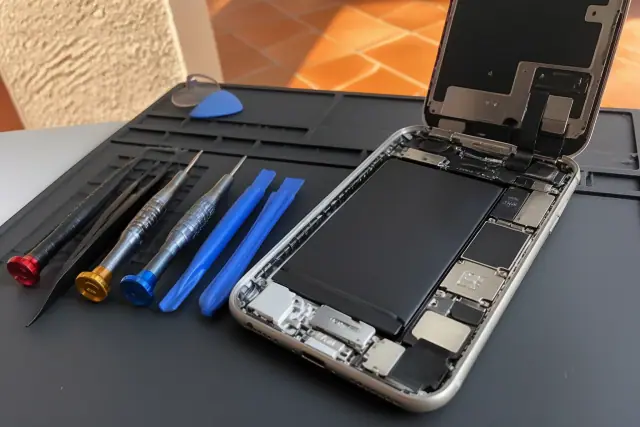
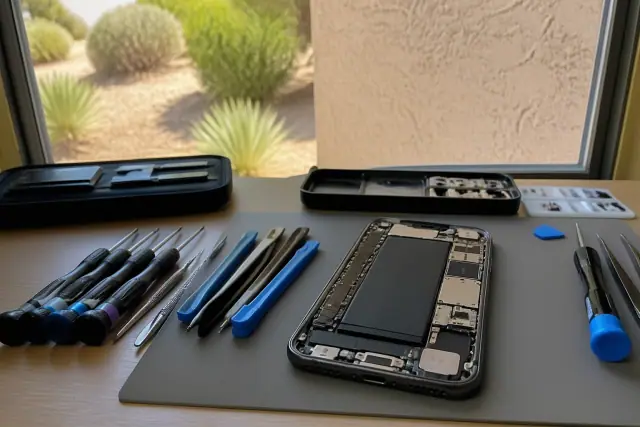
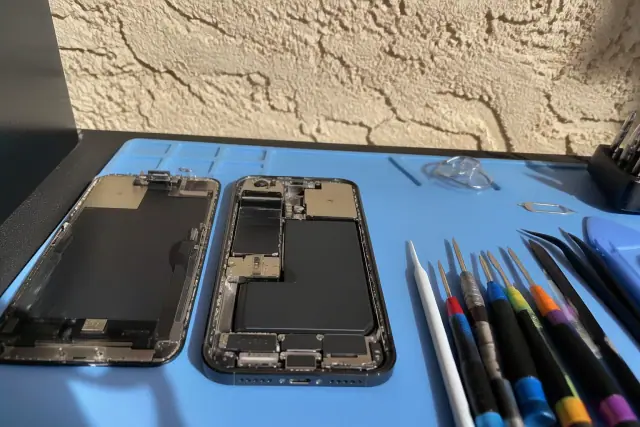
Opened iPhone with exposed internal components and lightning port for repair on a workstation in Phoenix, AZ.

We diagnose iPhone charging problems before replacing hardware, then clean blocked Lightning ports or install a model-matched flex cable assembly when contacts or connectors are damaged. Charge speed and data transfer are checked before pickup.

Request Estimate

Samsung USB-C Port Repair

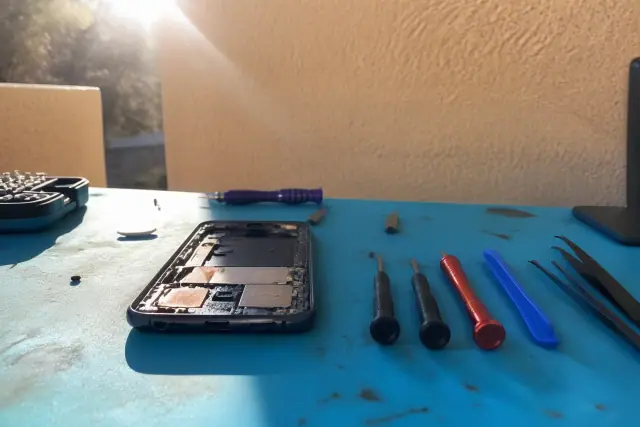
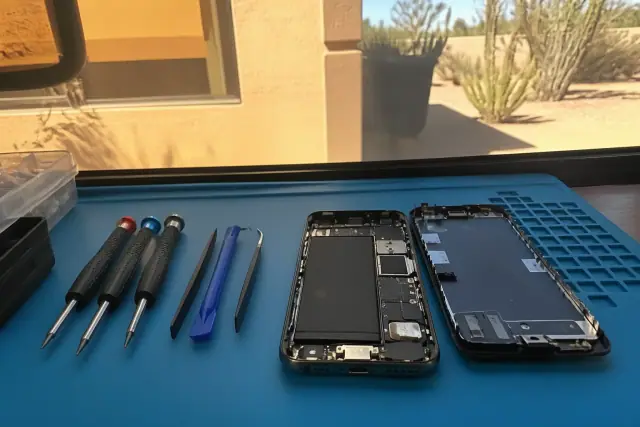
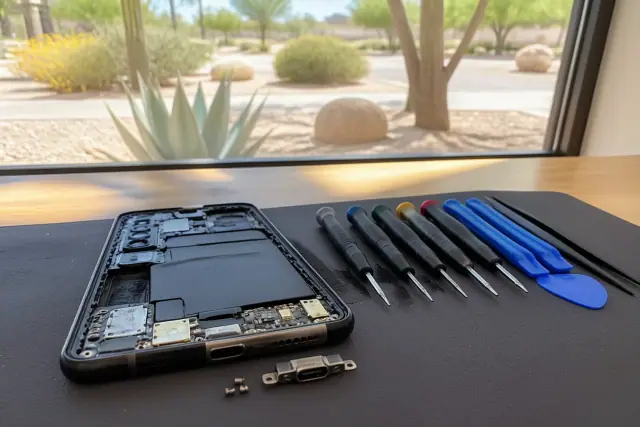
Smartphone with exposed internal components and repair tools on a workbench in Phoenix, AZ.

Many Samsung Galaxy USB-C ports are mounted directly to the motherboard. Bent pins or cracked solder joints can require hot-air rework and microscope-assisted soldering to replace the connector without disturbing nearby components.

Request Estimate

Google Pixel Charging Port Repair

Technician repairing a smartphone charging port at a workstation in Phoenix, AZ.

Compact Pixel USB-C connectors may be soldered to a small daughterboard, making full charging-flex replacement the sounder option than isolated pin work. On supported models, we also test wireless charging after the repair.

Request Estimate

iPad and Tablet Port Repair

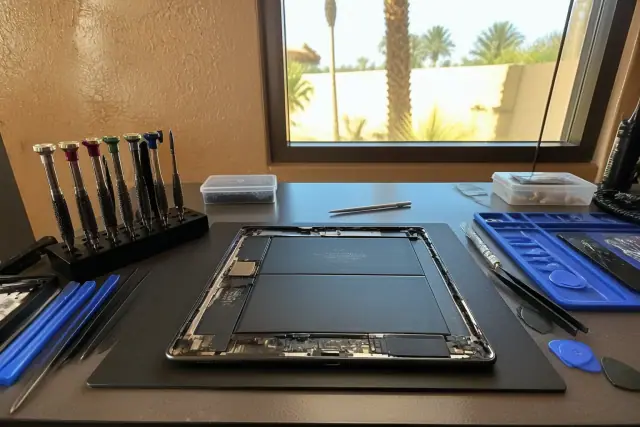
Technician repairing an iPad and tablet charging port at a workstation in Phoenix, AZ.

Tablets place extra mechanical stress on charging ports because their weight pulls cables at sharper angles. We repair Lightning and USB-C connectors in iPad models and charging ports in Android tablets, accounting for the deeper disassembly these devices require.

Request Estimate

Charging Port Cleaning

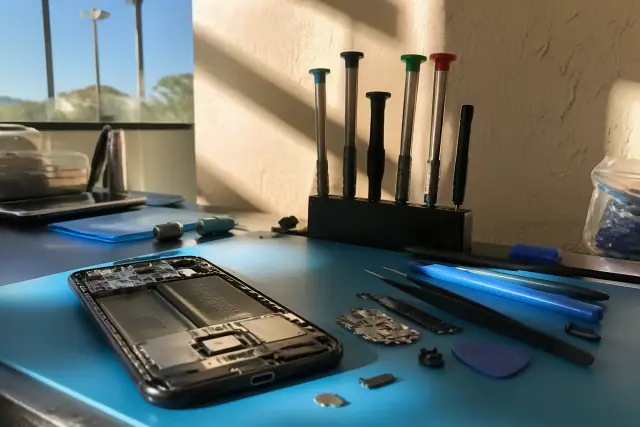
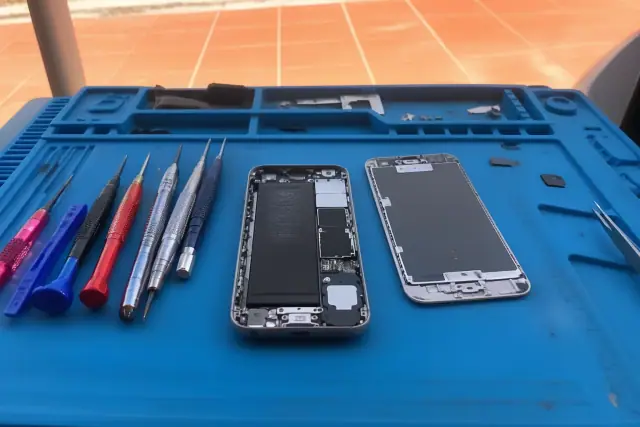
Smartphone with exposed internal components and cleaning tools on a workstation in Phoenix, AZ.

Compressed air and anti-static picks can remove pocket lint, sand, and pet hair without scratching contacts. Cleaning is often all a port needs when the connector itself remains intact.

Request Estimate

Board-Level Connector Repair

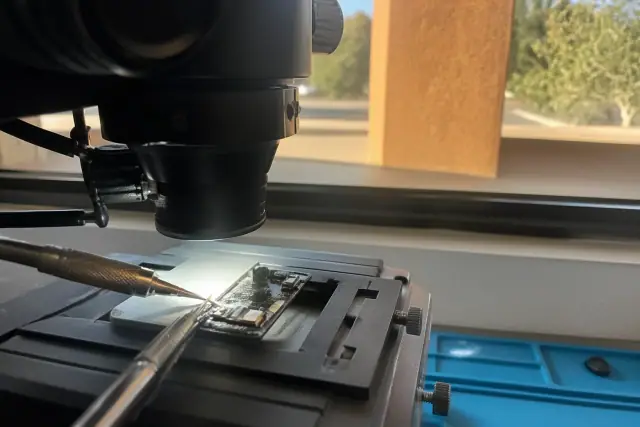
Close-up of a soldering iron repairing a logic board under a microscope in a Phoenix, AZ workshop.

For motherboard-mounted connectors, our technicians use precision micro-soldering, hot-air rework, flux control, and magnification. This approach is designed to remove and reseat the port without damaging the logic board underneath.

Request Estimate
Repair Options

Types of Charging Port Solutions

The correct solution depends on whether the obstruction, contacts, mounting tabs, flex assembly, or board connection has failed. We choose the least invasive supported repair after inspecting the port and testing the rest of the charging path.

An opened smartphone with exposed internal parts and repair tools on a workbench in Phoenix, AZ.

Port Cleaning and Debris Removal

Pocket lint, desert sand, and pet hair can keep a cable from seating fully even when the port is undamaged. Under the right conditions, debris removal can be a five-minute fix that avoids parts replacement.

  • Magnified visual inspection
  • Pocket-lint removal
  • Sand and dust removal
  • Compressed-air cleaning
  • Anti-static pick cleaning
Request Estimate
Smartphone charging port repair in progress on an organized workbench in Phoenix, AZ.

Lightning Port Repair

Lightning port service covers blockage, corrosion, worn contacts, and failed flex assemblies. We match original-spec parts to the exact Apple device rather than using a generic universal connector.

  • iPhone 11 through the current lineup
  • Lightning-equipped iPad models
  • Contact cleaning and inspection
  • Corrosion treatment
  • Flex-cable assembly replacement
Request Estimate
Professional repair tools beside an opened smartphone with an exposed USB-C charging port at a workstation in Phoenix, AZ.

USB-C Connector Repair

USB-C repair can involve a modular charging assembly, a daughterboard, or a connector mounted directly to the motherboard. We inspect the design before deciding whether to replace an assembly or perform precision rework.

  • Galaxy S, Note, and A-series phones
  • Galaxy Z Fold and Flip devices
  • Google Pixel 6 through Pixel 9 series
  • Newer iPad Pro and iPad Air models
  • Charge-speed and data-transfer testing
Request Estimate
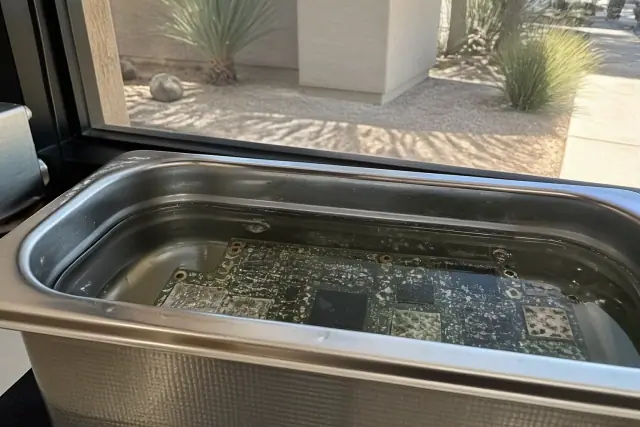
A circuit board with mineral deposits being cleaned in an ultrasonic bath at a workshop in Phoenix, AZ.

Corrosion and Liquid-Damage Repair

Pool splashes and monsoon-season moisture can oxidize contacts and interrupt the electrical path through the port. We inspect the area under magnification, clean treatable corrosion, and replace the connector when contacts have deteriorated beyond cleaning.

  • Liquid-exposure inspection
  • Magnified contact assessment
  • Isopropyl-alcohol cleaning
  • Oxidation removal where possible
  • Connector replacement for damaged contacts
Request Estimate
Opened smartphone with internal components on a workbench during a charging port repair in Phoenix, AZ.

Full Port Replacement and Rework

Loose mounting tabs, cracked solder joints, and bent or missing pins typically call for complete connector or flex-assembly replacement. Reshaping individual pins rarely holds up to daily use, so the repair is matched to the failed part and device construction.

  • Model-matched replacement connector
  • Flex-assembly replacement
  • Microscope-assisted soldering
  • Flux-controlled hot-air rework
  • ESD-safe board handling
Request Estimate
Finding the Right Fix

Choosing the Right Charging Port Approach

A port that only needs debris removed should not receive a new connector, while broken mounting tabs, failed contacts, and cracked solder joints should not be treated as cleaning problems. Cable, adapter, battery, continuity, and visual tests reveal whether cleaning, corrosion treatment, flex replacement, or board-level rework fits the failure.

Free Charging Diagnosis

We inspect the port under magnification, test the cable and adapter, and check continuity with a multimeter before recommending work. The estimate comes after diagnosis and before repair begins.

Precision Micro-Soldering

ESD-safe workstations, hot-air rework equipment, microscope-assisted soldering, and torque-calibrated screwdrivers help protect the logic board and nearby components. Our technicians follow brand-specific procedures for Apple, Samsung, and Google devices.

Warranty and Final Testing

Every completed charging port repair is backed by warranty coverage on parts and labor. We run a full charge-cycle test with the original cable and document the internal condition before and after the work.

What Sets Us Apart

Why Choose Us for Charging Port Repair?

Phoenix Phone Repairs is an independent, certified phone repair shop with technicians trained on brand-specific Apple, Samsung, and Google procedures. We use original-spec parts, inspect before replacing hardware, offer walk-in service and online booking, and support completed port repairs with parts-and-labor warranty coverage.

Get a Free Diagnosis

Debris-Blocked Charging Port

Pocket lint, pet hair, and desert grit can stop a plug from seating against the contacts. Forcing the cable into a blocked port can bend pins and turn a cleaning problem into a connector replacement.

Corroded Charging Contacts

Summer sweat, pool exposure, and monsoon moisture can oxidize the internal contacts that carry power. Treatable corrosion is cleaned under magnification; contacts that have deteriorated require connector replacement.

Loose Charging Connector

A cable that falls out or only charges when held at an angle can point to failed mounting tabs or a partially detached connector. Continued movement may damage the cable and usually calls for replacement rather than a temporary adjustment.

Bent or Missing Port Pins

Sharp DIY tools and forced plugs can scratch contacts or bend the small pins inside a charging port. When pins are bent or missing, complete flex-assembly or connector replacement is more durable than pin-by-pin reshaping.

Slow or Intermittent Charging

Partial debris or worn contacts can reduce power delivery, while a loose connection can repeatedly interrupt charging. A known-good cable and adapter test helps separate those port conditions from accessory failure.

Cable or Battery Faults

A damaged cable is the most common cause of slow charging we see, and a swollen or degraded battery can mimic port failure. Testing accessories and battery condition first helps customers avoid paying for a port repair they do not need.

How It Works

Our Charging Port Repair Process

Each visit moves from diagnosis to a targeted repair and documented final testing. The process protects the device, clarifies whether parts are needed, and verifies charging performance before the phone or tablet leaves the counter.

01.

Free Charging Diagnosis

We inspect the connector under magnification, test the cable and adapter, and check continuity with a multimeter. This identifies debris, corrosion, bent pins, or full connector failure.

02.

Power Down and Disassembly

The device is powered down and opened according to its brand-specific procedure. ESD wrist straps and torque-calibrated tools help protect internal components during access.

03.

Clean or Remove the Failed Port

Debris is cleared with non-scratching tools, while a failed connector is desoldered with controlled heat and flux. The method depends on whether the device uses a flex assembly, daughterboard, or motherboard-mounted port.

04.

Install the Model-Matched Part

A manufacturer-spec connector or charging assembly is matched to the exact device model. Microscope-assisted soldering is used when the part must be seated directly on a board.

05.

Reassemble and Document

The device is reassembled with calibrated tools after the repair area is inspected. We photograph the internal condition before and after so the customer can see what changed.

06.

Charge-Cycle and Data Test

We run a full charging cycle with the customer's original cable, then verify charge speed and data transfer. Wireless charging is also checked on models that support it.

Charging Port Help

Get Your Phone
Charging
Again

Bring in a phone or tablet that will not charge, charges slowly, or disconnects when the cable moves. Walk in or book online for a free diagnosis and an estimate before any repair work begins.

Charging Port Help

Phoenix Charging Port Repair FAQs

These answers cover charging port cost, timing, diagnosis, repair methods, supported devices, and Phoenix conditions. A hands-on inspection is still the best way to separate debris, accessory, battery, and connector problems.

Call Our Technicians

Cleaning or minor connector work typically runs $30 to $100. Full port replacement on iPhone 12 through 16 models typically runs $79 to $129, while Samsung and Pixel board-level repairs can cost more because of the soldering labor. We provide an exact estimate after a free diagnosis and before work begins.

Yes. We address debris-blocked ports, corroded contacts, loose connectors, bent or missing pins, and fully failed ports on iPhone, Samsung, Google Pixel, iPad, and Android tablet devices. Depending on the damage, the repair may involve cleaning, corrosion treatment, flex-assembly replacement, or a new connector.

Most cleaning jobs or straightforward connector swaps take 30 minutes to an hour, and most port repairs are completed the same day. Board-level Samsung or Pixel work can take longer because the failed connector must be desoldered and replaced with precision rework.

The two biggest local factors are heat and dust. Phoenix summers regularly exceed 110 degrees, while grit from construction sites and desert landscaping can collect inside an exposed port. Sweat, pool splashes, and monsoon moisture can also introduce corrosion.

Carefully used compressed air is generally safe, but needles, paperclips, toothpicks, and other sharp tools can bend or scratch the internal contacts. If air does not restore the connection, inspection under magnification is safer than forcing a tool or cable into the port.

Charging at an angle is a common sign of a loose or partially detached connector, although packed debris can also prevent a plug from seating fully. We inspect the mounting tabs and contacts before deciding whether cleaning or replacement is appropriate.

We test each incoming device with three known-good cables and two adapters before diagnosing a port failure. We also assess the battery because a swollen or degraded battery can mimic a connector problem.

Cleaning is usually appropriate when lint, sand, or pet hair blocks an otherwise intact connector. Replacement is more likely when mounting tabs have failed, solder joints are cracked, contacts are badly corroded, or pins are bent or missing.

On many Galaxy S and Note models, the USB-C connector is mounted directly to the motherboard. A bent pin or cracked solder joint may therefore require hot-air rework and microscope-assisted soldering rather than a simple modular swap.

We service Pixel 6 through Pixel 9 series phones for port cleaning, charging-port replacement, and battery-not-charging complaints. Pixel construction can call for replacement of the charging flex assembly or daughterboard, and we test wireless charging afterward on supported models.

Yes. We handle Lightning and USB-C port repair from iPad 6th generation through current iPad Pro models, along with Android tablet charging ports. Tablets often require deeper disassembly, but turnaround for most tablet models is still same-day.

We inspect the port under magnification, test the cable and wall adapter, assess the battery, and use a multimeter to check port continuity. The results show whether the problem is debris, corrosion, a bent pin, an accessory, the battery, or a failed connector, and we provide an estimate before work starts.

In almost every case, yes. The source repair guidance says port repair costs a fraction of replacing the device, and a properly installed original-spec part is intended to hold up like the original connector. Diagnosis first confirms that the port, rather than a cable or battery, is the part that needs work.